Advanced World Outliner Filter
Data & Utilities
UE Version5.1 – 5.8
PlatformsWindows
Description
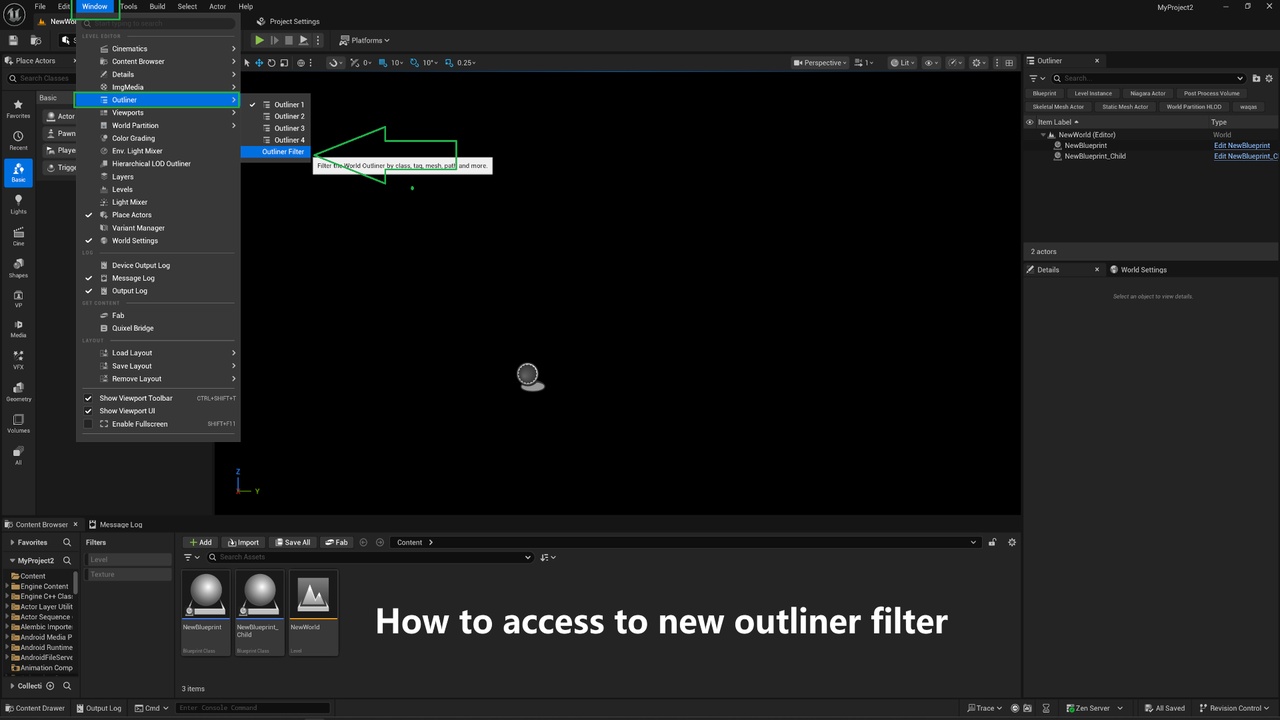
Outliner Filter adds a powerful multi-token search bar to the World Outliner. Find any actor instantly by class (including child classes), tag, mesh, material, component, content path, variable name, and more — all from a single search box with AND / OR logic. No Blueprint required, no configuration needed.
By using this plugin, you can easily filter actors in the world outliner by class (including child), tags, mesh, material and more. Combine multiple filters together and use comma-separated OR logic inside a single filter (e.g., class=BP_Enemy,BP_Boss). Supports exact folder filtering and works on all actor types including Blueprints, lights, pawns and characters.
Features
✓13 filter tokens: class=, tag=, component=, mesh=, material=, var=, folder=, path=, hidden=, replicated=, tick=, nanite= and more
✓Filter by class, tag, component, mesh, material, variable, folder, or path
✓Combine multiple filters with AND / OR logic
✓Comma-separated OR inside a single filter (e.g., class=BP_Enemy,BP_Boss)
✓Exact folder filtering — filter only actors in a specific Outliner folder
✓Works on all actor types — Blueprints, lights, pawns, characters, etc.
✓Fully dockable panel inside the editor