Description
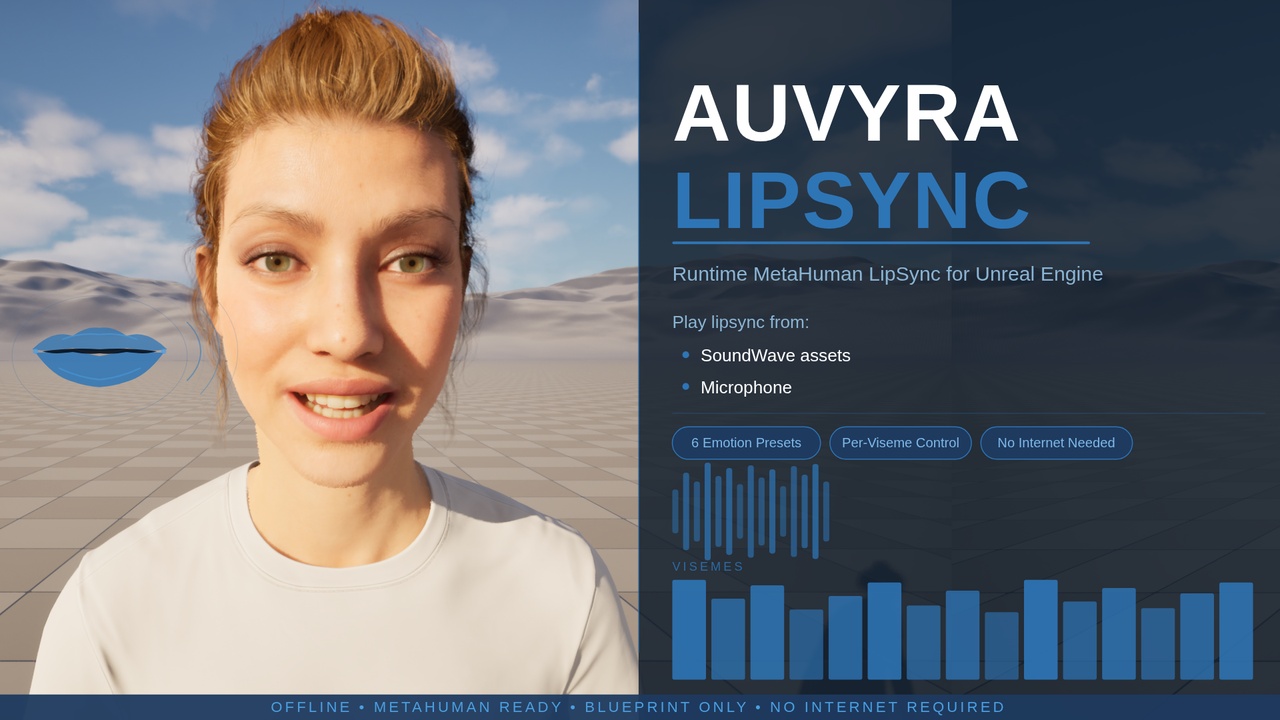
Real-time MetaHuman lipsync — fully offline, no internet required.
Auvyra LipSync drives MetaHuman facial animation directly from audio. Generate a LipSync Asset from any SoundWave in one click, call a single Blueprint function, and your character speaks in sync — no C++, no complex setup, no external services.
Supports live microphone input for real-time lipsync, 6 emotion presets (Joy, Sad, Angry, Fear, Disgust, Surprise) with blending and intensity control, per-viseme control over all 15 viseme shapes at runtime, and multiple independent MetaHuman characters simultaneously.
Fully offline — no internet, no API keys, no external services. Blueprint Only — no C++ required. Packaged Build Ready — works in shipping builds.
Features
✓One-Click LipSync Asset Creation — right-click any SoundWave
✓Single Blueprint Function — trigger lipsync instantly
✓Live Microphone Input — real-time lipsync from any capture device
✓6 Emotion Presets — Joy, Sad, Angry, Fear, Disgust, Surprise with blending
✓Per-Viseme Control — adjust all 15 viseme shapes at runtime
✓Multiple MetaHuman Support — independent lipsync per character
✓Fully Offline — no internet, no API keys, no external services
✓Blueprint Only — no C++ required
✓Packaged Build Ready — works in shipping builds
How it works
Step 01
Generate LipSync Asset
Right-click any SoundWave in the Content Browser and generate a ready-to-use lipsync asset in one click.
Step 02
Call Blueprint function
A single Blueprint node triggers the lipsync animation on your MetaHuman character.
Step 03
Character speaks
Facial animation plays in sync with audio. Works with microphone input for real-time lipsync too.